
Update your profile details
It is important to keep your profile details up to date, especially if you are a responder on Care Opinion Canada. The signature you sign your response with is pulled from the details in your profile.
You can update the following profile information:
- Job title
- Department
- phone number (only visible to your colleagues)
- Profile picture
- What you do in plain language
You can also access your personal details and update:
- Your name
- email address
- demographic information (optional)
- Password
How to access your profile
When logged into Care Opinion Canada, click "Good Morning [your name]" in the left hand menu visible on every page.
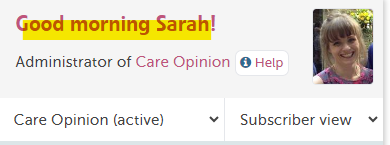 This will take you to your profile page:
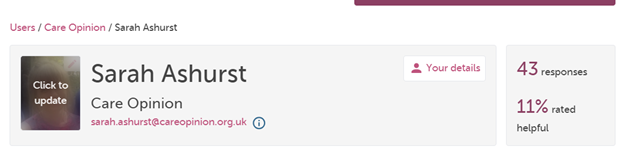
From here, use the pencil icons next to each section to update each section:
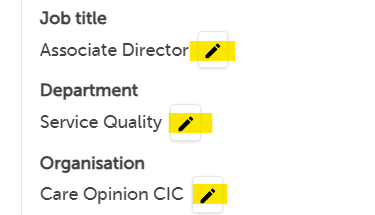 Once you have updated the section, click the green tick to save ✅
Updating personal details
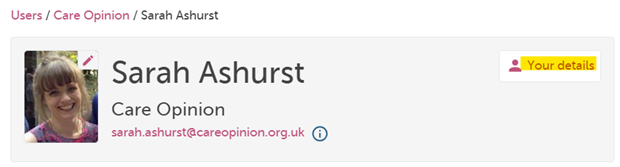
Go to your profile page above, then click the pink "Your details" in the header across from your name - yellow highlight:
Last update:
13/11/2024 18:17:56